CORE PROJECT
A customer follow-up tracker.
Bring customers, next actions and due dates into one simple view. Practise adding, updating and filtering records.
Your working outputA tracker prototype + a testing checklist
CLAUDE CODE FOR NONTECHNICAL FOUNDERS
Turn a business problem into a small, useful tool. Learn to explain what you need, work with Claude Code and check what you build.
Learn at your own pace. Start with a task you know.
View course outlineCourse in development · Outline preview
BUILD YOUR BUSINESS TOOLS
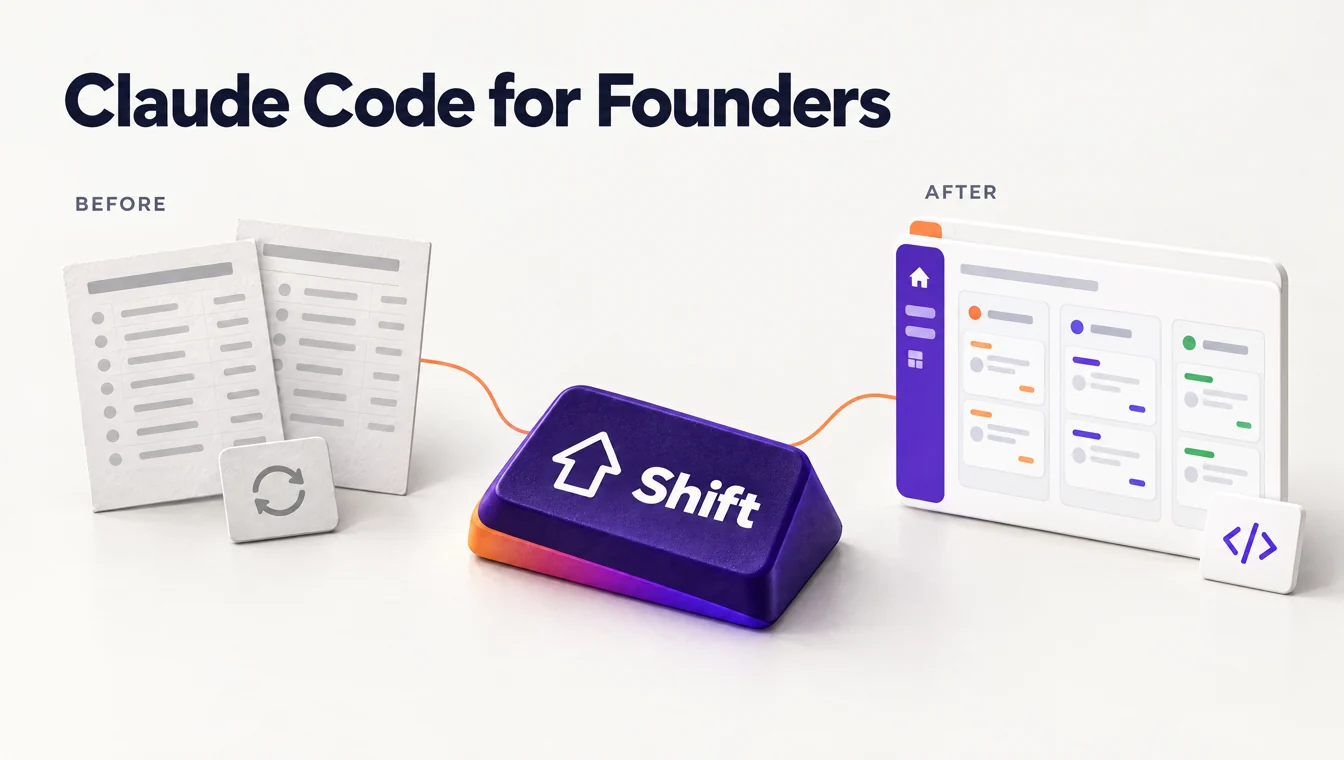
From a workaround.
To a tool built around your work.
01 / WHAT YOU’LL BUILD
Start with a customer follow-up tracker, then explore dashboards and prototypes. These are the practice projects in our proposed outline, using sample data.
CORE PROJECT
Bring customers, next actions and due dates into one simple view. Practise adding, updating and filtering records.
APPLY THE APPROACH
Explore a clear view of open work, status and priorities, built around information your business already understands.
APPLY THE APPROACH
Turn an idea into a small interface. Walk through the flow and gather feedback before committing to a larger build.
02 / COURSE OUTLINE
Build a customer follow-up tracker in small steps, with time to check and improve each version.
Proposed curriculumLessons, duration and tool requirements will be confirmed before enrolment opens.
MODULE 01
Business outcomeStart with a setup that fits your budget and comfort level, so you can practise without surprises.
CoversPlans, workspace and permissions.
Your outputA practice workspace and a setup checklist.
MODULE 02
Business outcomeFocus the project on one recurring customer follow-up problem and agree what a useful result means.
CoversBriefs, priorities and success criteria.
Your outputA focused project brief and sample data.
MODULE 03
Business outcomeKeep each request understandable and aligned with the way your team works, so you can review the result with confidence.
CoversInstructions, examples and project context.
Your outputA project context guide and a first build plan.
MODULE 04
Business outcomeBring customer details, next actions and due dates into a view that helps you decide what needs attention.
CoversForms, lists and saved records.
Your outputA first tracker prototype using sample data.
MODULE 05
Business outcomeDecide which connections and users your tool actually needs, and spot costs or access questions before they grow.
CoversAPIs, sign-in and usage costs.
Your outputAn integration and access plan, with costs to check.
MODULE 06
Business outcomeCatch confusing or incorrect follow-ups before relying on the tracker, and make improvements you can verify.
CoversTest cases, review and fixes.
Your outputA tested prototype and a repeatable checklist.
MODULE 07
Business outcomeTry improvements with a clear route back to a version that worked, protecting the progress you have made.
CoversCheckpoints, change history and recovery.
Your outputProject checkpoints and a recovery checklist.
MODULE 08
Business outcomeMake a practical next-step decision: continue testing, seek experienced review or plan a supported rollout.
CoversSharing, access and ongoing care.
Your outputA readiness review and a practical maintenance plan.
03 / A LOOK AT THE PROCESS
Here’s how the practice project could develop. Describe the behaviour you need, try it with sample records and refine the result.
Show who needs a follow-up, what is due and which records are complete.
Add an overdue task, a future date and a completed follow-up.
Compare the list with your rules. Explain what needs changing and test it again.
A small example of checking the behaviour.
Show every customer in the follow-up list.
Only include open follow-ups due today or earlier. Keep completed records out of this view.
Show open follow-ups that are due, earliest first. Check the result against the sample records.
A working screen still needs testing.
04 / IS THIS FOR YOU?
Designed for startup founders, entrepreneurs and people running business operations. No coding background is assumed, but you should be ready to learn by doing.
A spreadsheet, manual hand-off or missing view is making everyday work harder than it needs to be.
You know who needs the tool, what information they use and what a useful result would look like.
You are willing to try unfamiliar concepts, test the result and get technical help when the work calls for it.

A RHYTHM THAT FITS YOUR BUSINESS
Work through a lesson, try the change in your practice project and check what happens. Build your understanding alongside the tool.
Bring a computer, a business task and sample material you can use. Final setup and tool requirements will be published before enrolment.
BEFORE YOU BEGIN
What the course is designed to help with, and what is still being prepared.
The course is being designed for nontechnical founders, with no prior coding experience assumed. You will still learn concepts such as project files, data, testing and access permissions. Working with Claude Code does not remove the need to understand, review and maintain what you build. Final prerequisites will be published with the course.
The required plan, setup and usage allowances are still being selected. Depending on the exercises, subscriptions, API usage or hosting may have separate costs. We will publish the requirements and any expected tool costs before enrolment. Do not purchase a plan solely for this draft outline.
The core project is a learning prototype. Before using a tool with real customers or sensitive information, review its security, access, data handling, reliability and maintenance needs. Some projects will need an experienced developer’s review before production use. The proposed final module helps you identify those next steps.
Yes, that is the intended approach. Start with one small task and use sample or anonymised records that you are allowed to use. Keep passwords, API keys and confidential customer data out of shared practice material.
The format is learning at your own pace. Lesson duration, total study time and the access period have not been confirmed. Those details will be available before enrolment opens.
Support arrangements and any project-review services have not been confirmed. The final course details will explain what help is included and what may require separate technical support.
Courses will be hosted on TagMango, where you’ll access your lessons and learner account. Course links will be added when enrolment opens.
Not yet. Build Your Business Tools is in development, and this page shows its proposed learning path. Pricing, availability, final curriculum, tool requirements and access terms will be published before enrolment opens.
YOUR NEXT SHIFT
Explore how Build Your Business Tools takes a customer follow-up tracker from a business brief to a prototype you can test.
Explore the course outlineIn development. Enrolment is not open yet.